 BeforeAfter
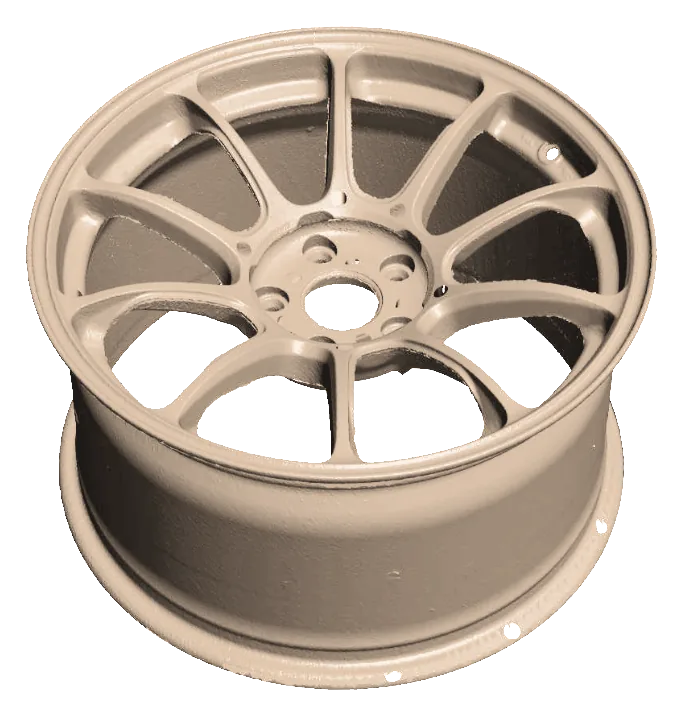
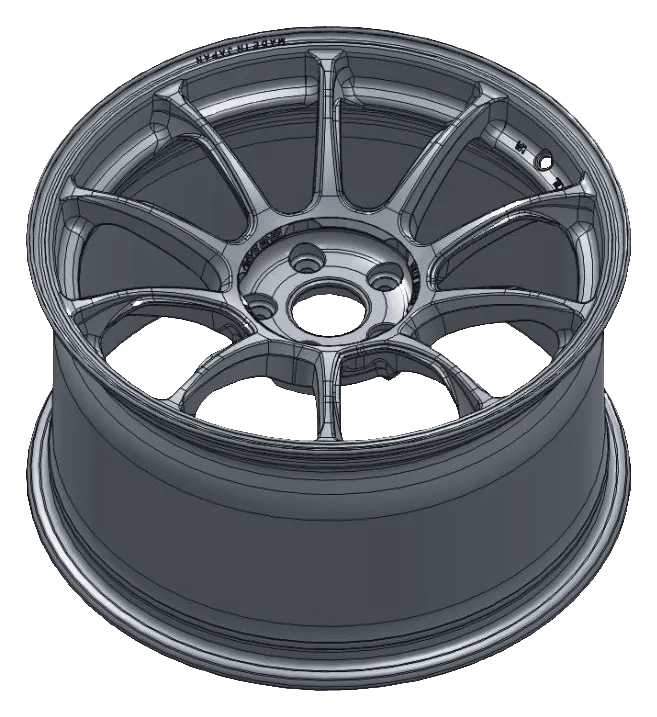
Alloy wheel rim
Automotive · 3D scan (STL) → Manufacturing

The scan
A physical part, 3D scan, drawings, or photos.
The CAD
STEP, IGES, Parasolid, SOLIDWORKS, PDF, or DWG.
01 — Services
Find the one that matches what you have today.
"I have a 3D scan or mesh."
Scan-to-CAD conversion. We rebuild the mesh as clean solid, surface, or parametric CAD.
Get a quote →"I have the part, but no CAD."
3D reverse engineering. We scan the part ourselves, or work from your measurements, photos, and drawings.
Get a quote →"I need a part designed or changed."
Mechanical CAD design. We develop or refine parts and assemblies in your CAD workflow.
Get a quote →02 — Work
Parts rebuilt from 3D scan data.
BeforeAfterAlloy wheel rim
Automotive · 3D scan (STL) → Manufacturing
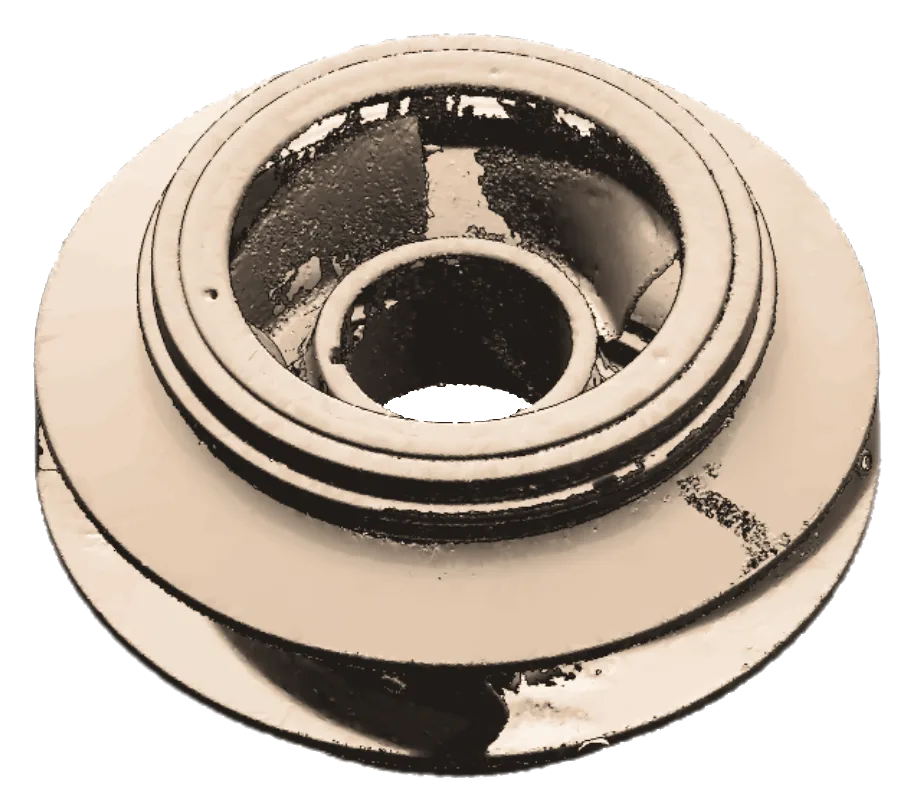
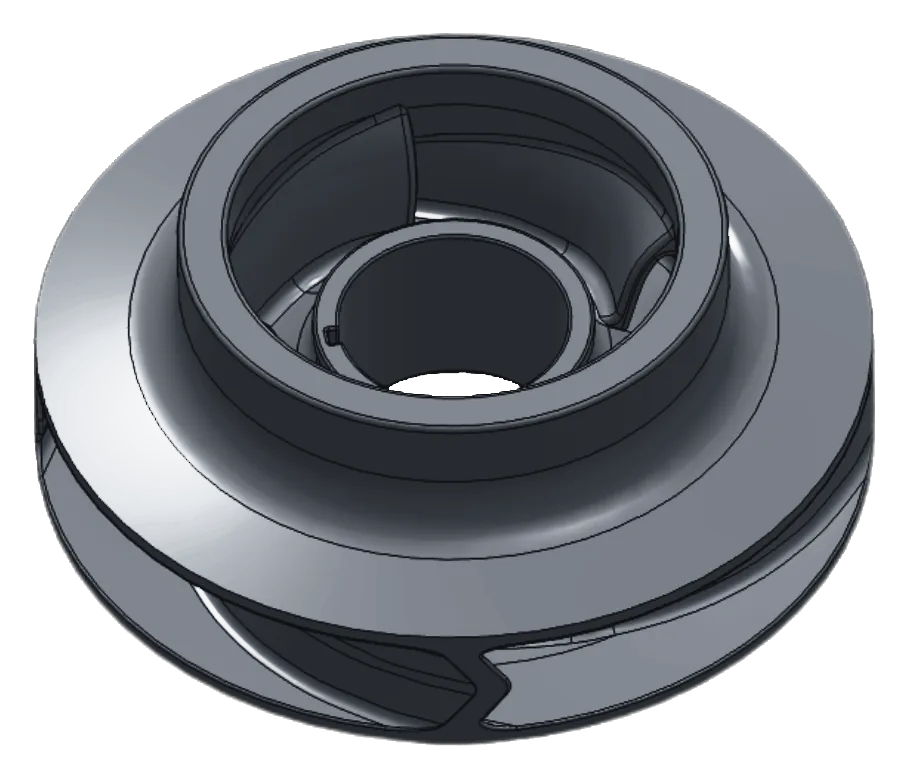 BeforeAfter
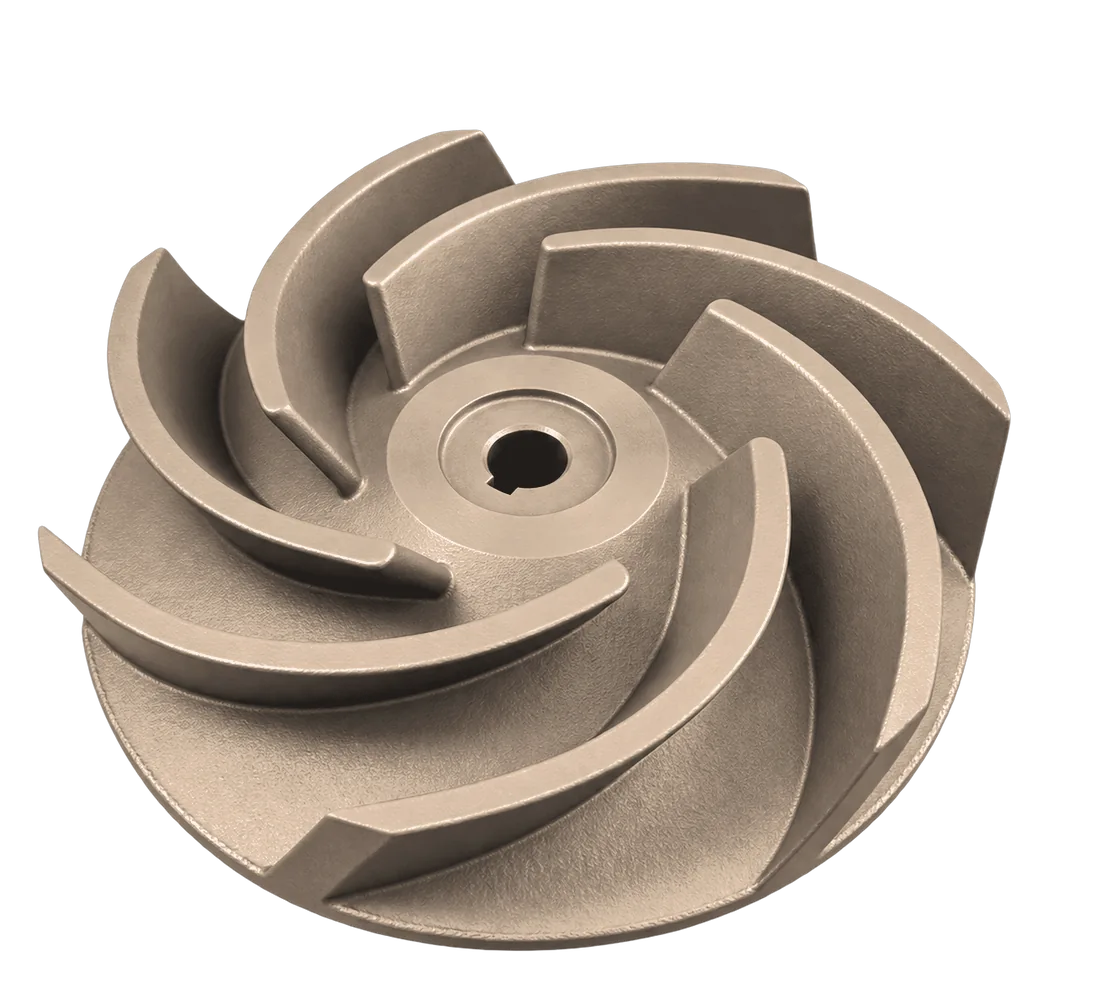
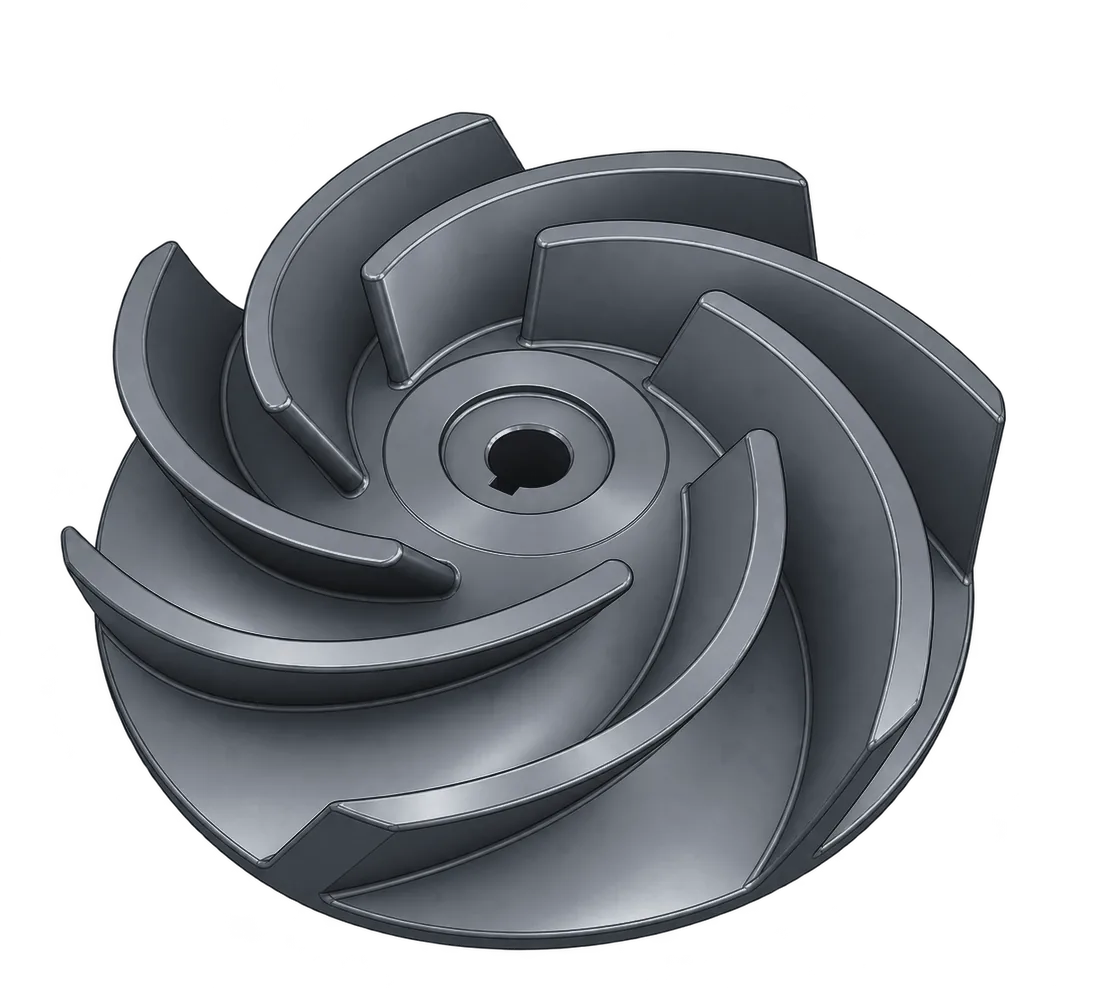
Closed impeller
Pumps & fluid handling · 3D scan (STL) → CFD simulation
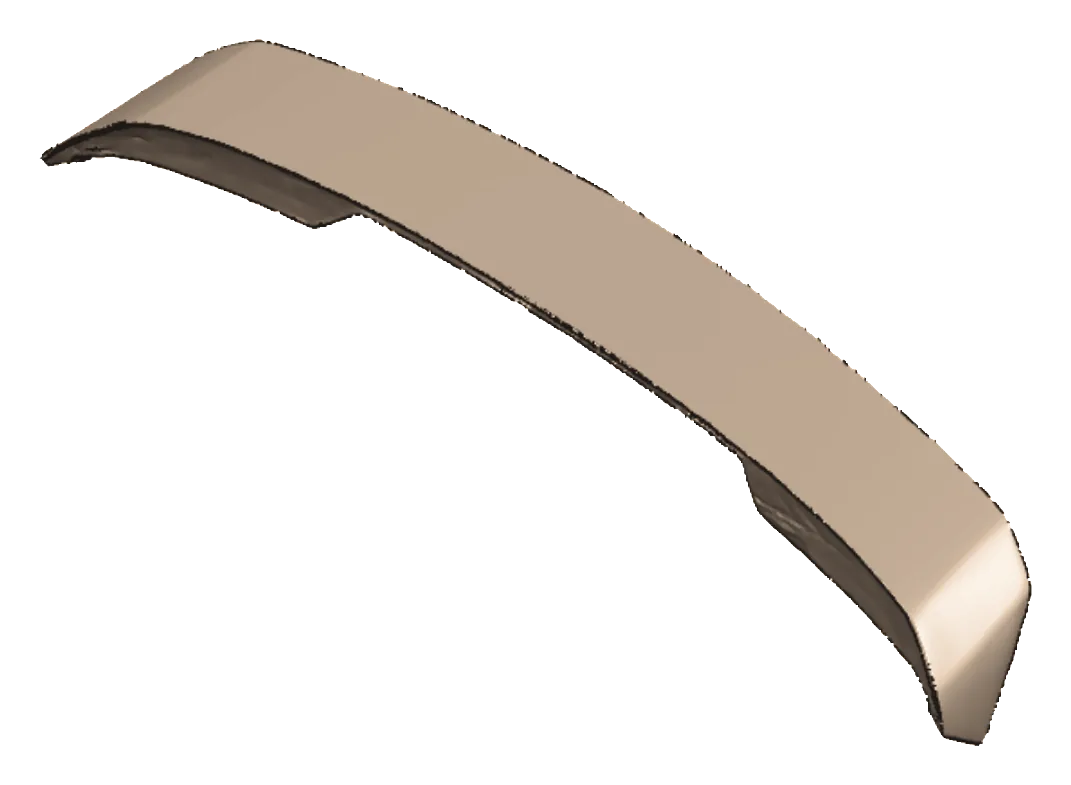
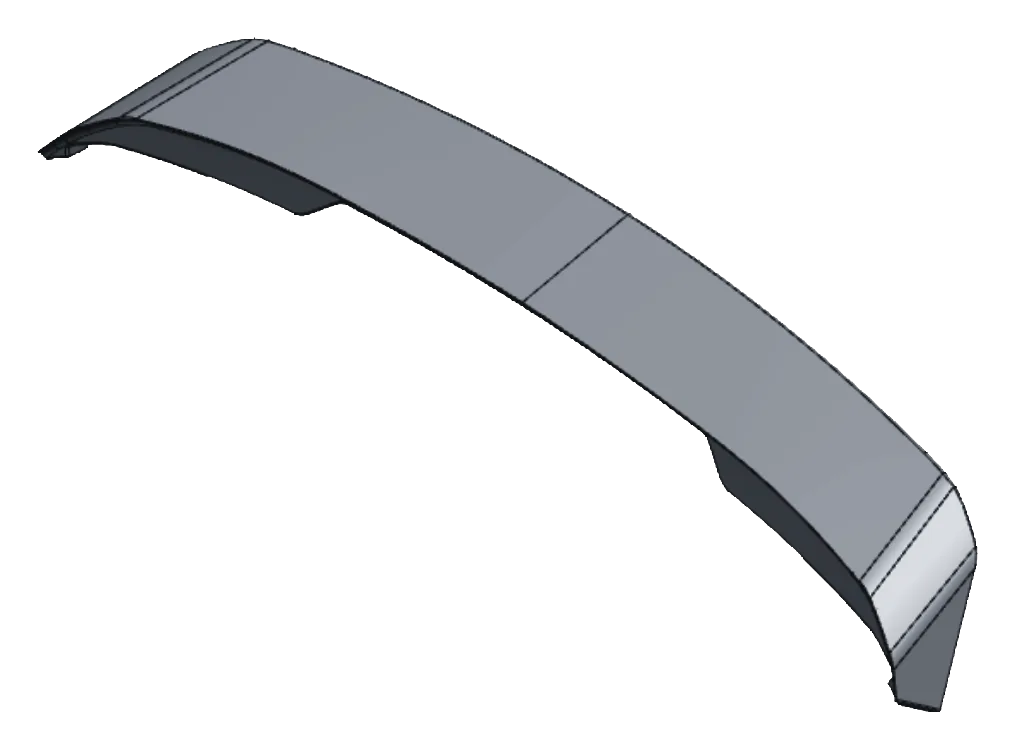 BeforeAfter
Rear spoiler
Automotive aftermarket · 3D scan (STL) → 3D-printed reproduction
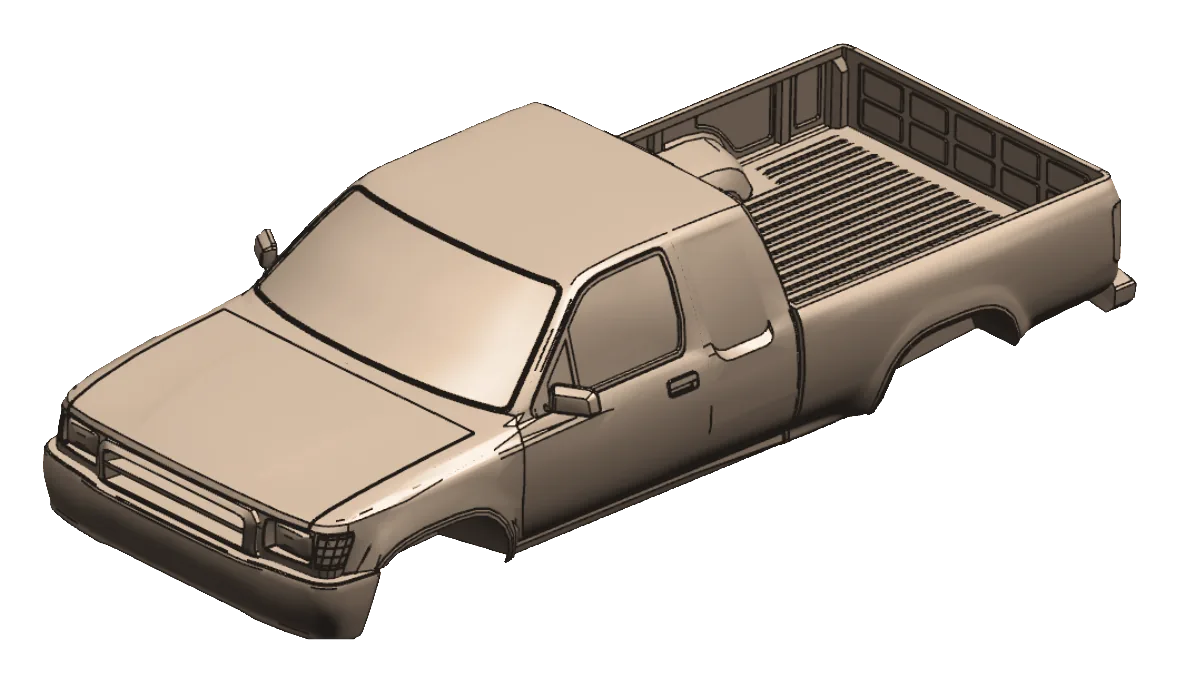
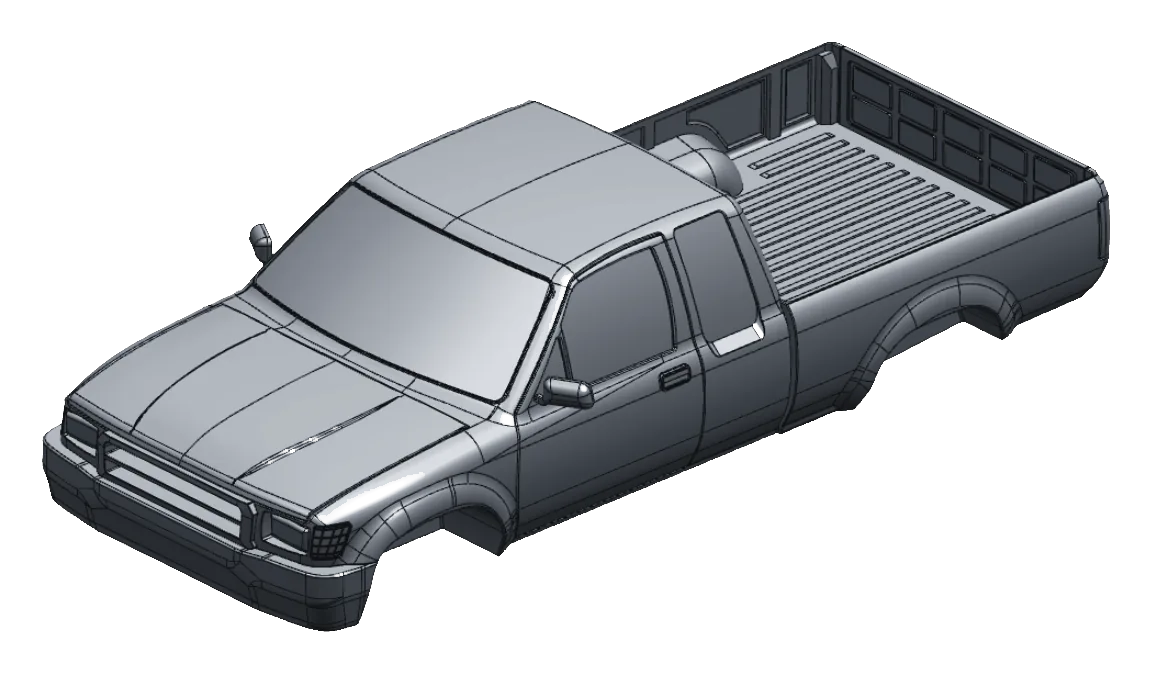 BeforeAfter
Die-cast pickup body
Scale models · 3D scan (STL) → 3D-printed reproduction
03 — Accuracy
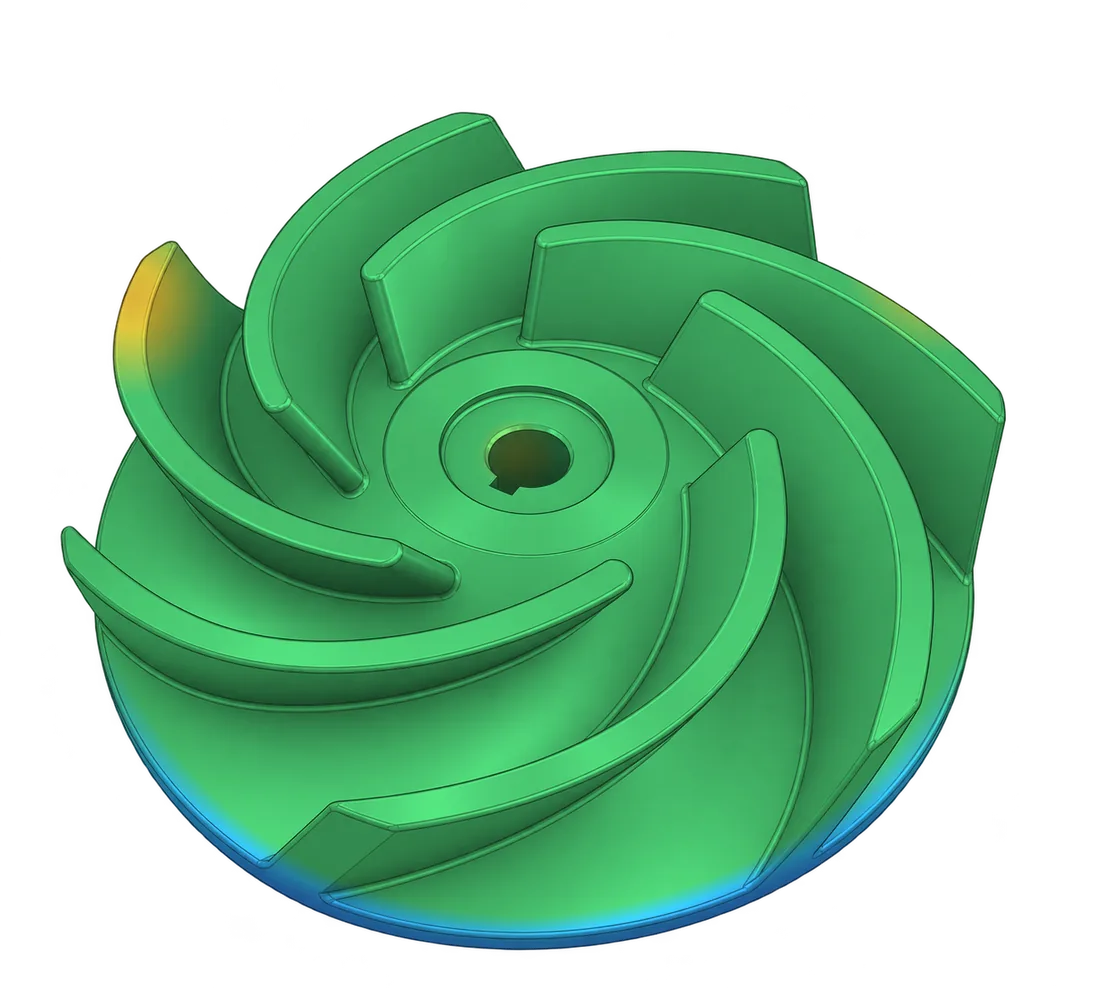
Request a deviation report and we compare the finished CAD with your original scan. The color map shows where the model matches the scan and where it differs, and it’s delivered with your files.
Example deviation map.
Need CAD for an existing part?
Share your scan, drawing, or photos. The quote is free, with no obligation.
04 — Outputs
Files that fit your workflow
Neutral CAD
STEP, IGES, or Parasolid (X_T). Opens in most CAD systems.
SOLIDWORKS
Full feature tree, for parts you'll keep editing.
2D drawings
PDF or DWG, with dimensions and notes for the shop.
05 — About
Barker 3D is a reverse engineering and CAD studio. We help businesses, engineers, and manufacturers reconstruct existing parts for product development, design modifications, replacement components, and manufacturing.
Every model combines precise geometry reconstruction with engineering considerations: how the part works and how the CAD will be used. The result is functional, engineering-ready CAD, not just a copy of the surface.
Requirements first
Critical geometry and outputs are agreed before modeling starts.
Direct contact
You work directly with the engineer modeling your part.
06 — FAQ
Every project is quoted individually after we review your files. The price depends on the part's geometry, the accuracy you need, the output format, and the number of parts. Quotes are free, and nothing starts until you approve one.
Often, yes. An STL is a triangulated mesh, not a model with editable CAD features. The method depends on the geometry, scan quality, and how the CAD needs to be edited. We assess this before recommending an output.
Often, if enough reference data and key dimensions are available. Where details can't be confirmed, assumptions and verification are agreed during scoping.
07 — Get a quote
Send what you have. You'll get questions or a free quote, usually in under an hour.
For a faster quote, include
What the part does, key references or dimensions, the accuracy needed on critical features, your output format and CAD software, and the quantity and deadline.
Thanks, your request is in.
Expect a reply in under an hour.